01
Upload Your Photo
Upload one clear photo to begin. Portraits, product shots, and scene stills can all work well when the subject is readable and the lighting is clean.
Upload a reference image, add a prompt, and generate in a streamlined workflow with built-in defaults and cleaner controls.
Free credits to start. No credit card required.
Wan27image is an independent site and is not the official site, authorized representative, sponsor, or endorsed partner of Alibaba, Wan, or related model rights holders. Third-party names and trademarks belong to their owners.
Model
0 / 5000
Your output will appear here
Enter a prompt and click Generate to start
Model
0 / 5000
Your output will appear here
Enter a prompt and click Generate to start
Browse finished examples, click one, and send its prompt direction straight back into the workspace above.
A reference-driven AI image workflow. Start with a clear image and a plain-language prompt, then open advanced options only when you actually need more control.
Upload one clear photo to begin. Portraits, product shots, and scene stills can all work well when the subject is readable and the lighting is clean.
Add a plain-language prompt to describe the direction you want. You still need a prompt, but most users do not need complex prompt engineering to get started.
Generate, review the result, and only open advanced options when you want extra control over size, thinking mode, or image-set behavior.
Most AI image tools are optimized for wow-factor previews, not for production-grade consistency. The result that looks impressive in a demo often fails when you actually try to reuse it.
The core issue is how most generators handle style versus fidelity. Style is what gives an output its visual mood and polish. Fidelity is what keeps the output connected to the original reference. When a system pushes style aggressively without anchoring the source first, you end up with something that looks polished but belongs to nobody.
Broad visual effects are applied without source-aware constraints. Results look good at a glance but lose the specific proportions and identity markers that make the subject recognizable.
Each generation attempt produces a slightly different interpretation of the source. After five retries, none of the outputs look like the same person. That is not a style issue — it is a pipeline design issue.
Wan2.7-Image is designed around a reference-first workflow. That helps the output stay visually grounded in the uploaded source instead of drifting into a generic template.
AI image generation has graduated from novelty to workflow. These are the real-world contexts where Wan2.7-Image saves the most time.
Standard corporate headshots are memorable for all the wrong reasons. Wan2.7-Image helps you create a cleaner professional image with stronger presence for speaker decks, founder pages, team cards, and conference bios.

Consistent visual identity across platforms is how creators get remembered. Generate reusable profile images, channel headers, and social assets with Wan2.7-Image while keeping the overall subject direction more coherent from one surface to the next.
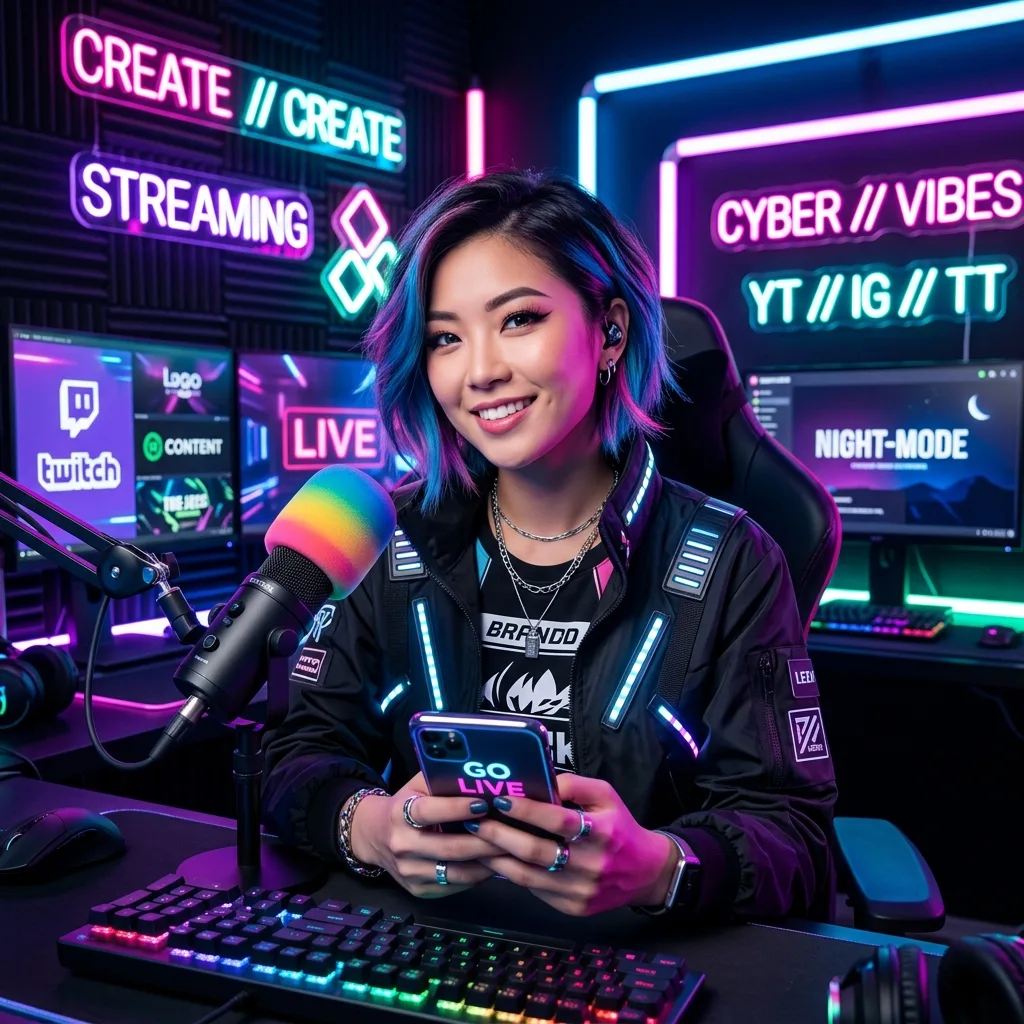
Not every campaign needs a full production shoot. Wan2.7-Image gives teams a faster way to turn one source image into cleaner launch graphics, landing visuals, and branded stills with stronger art direction.
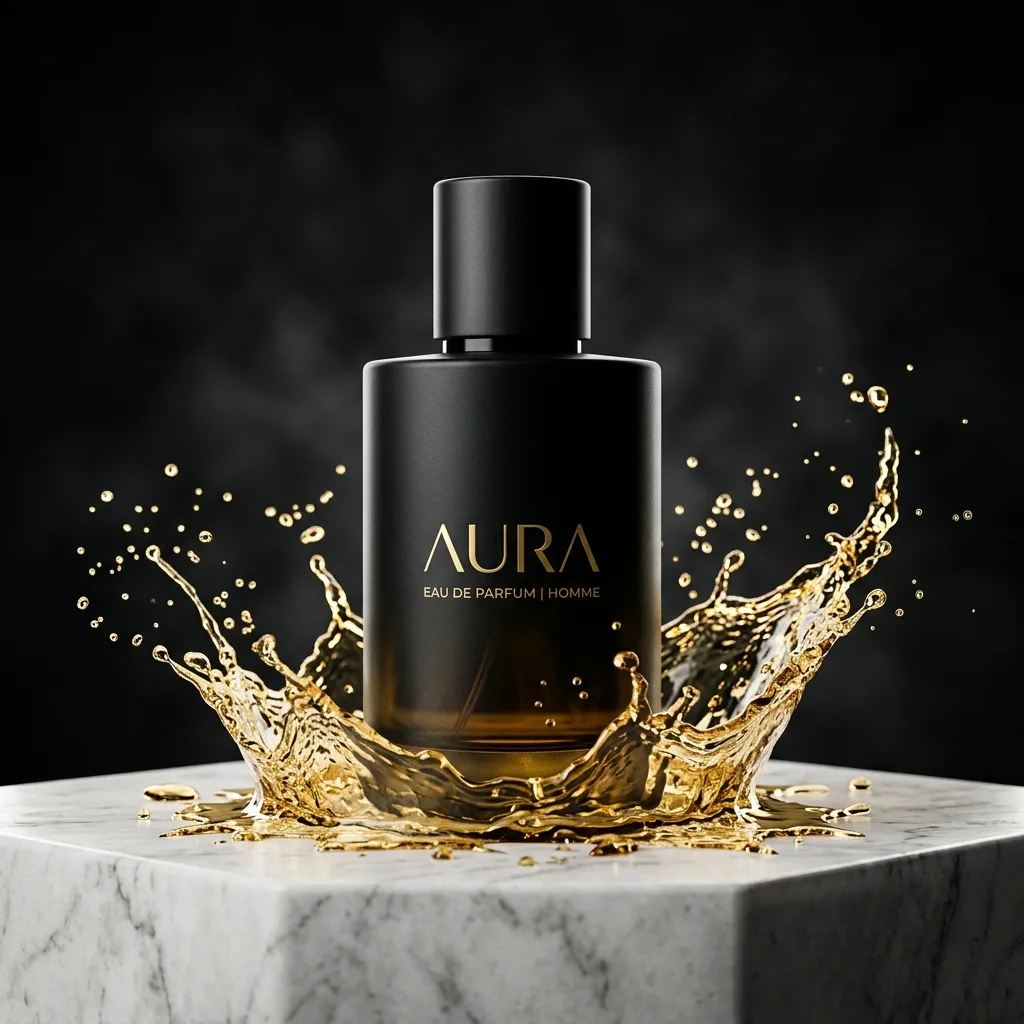
Some outputs need to live longer than a social post. Wan2.7-Image helps shape calmer compositions and cleaner edges for prints, merchandise mockups, event keepsakes, and other export-heavy use cases.
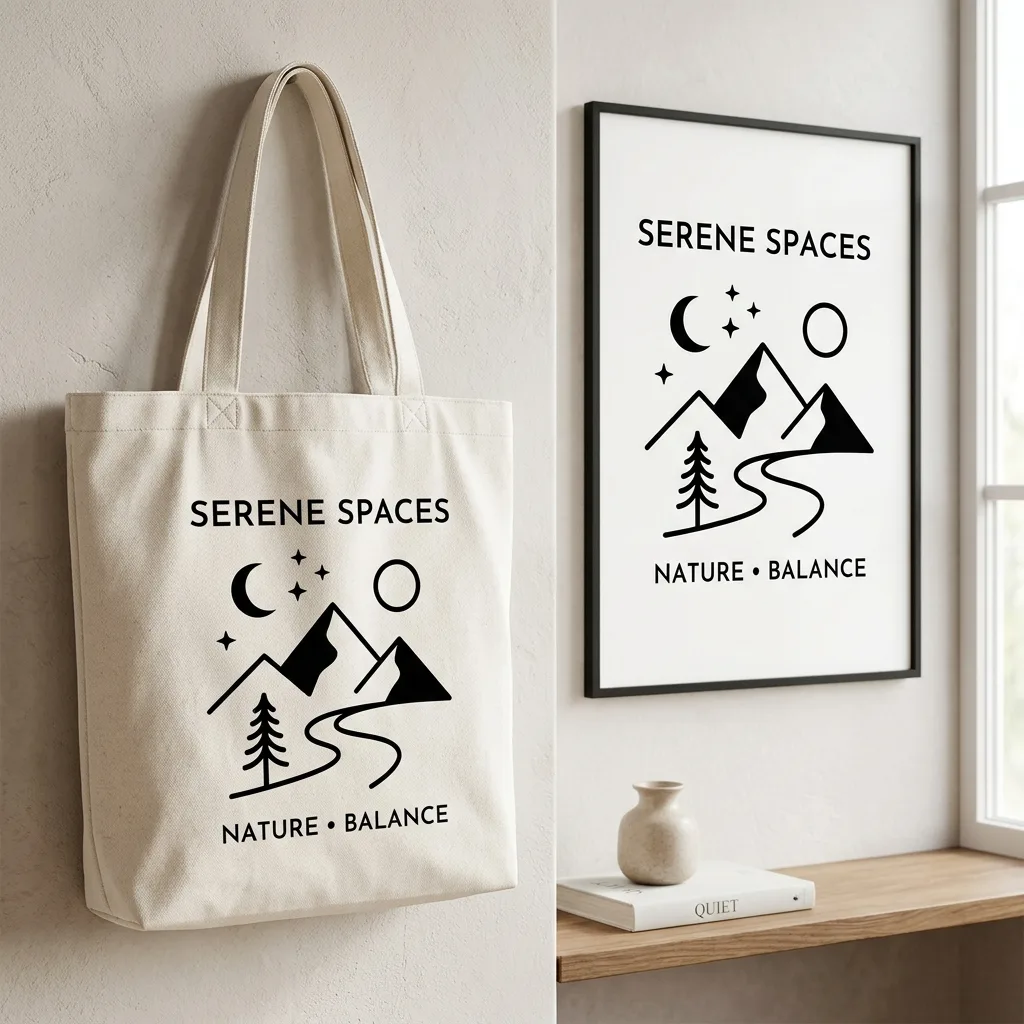
The value is not just style. Wan2.7-Image stands out because its public capabilities support a more controllable image workflow from source to result.
The workflow is not limited to a single upload. Wan2.7-Image supports multiple reference images, which is useful for editing, fusion, and more complex source guidance.
You can start from text, work from one reference, or use multiple images for editing and transformation. That makes it easier to stay in one image workflow instead of jumping between separate tools.
Image set mode helps generate related outputs that feel connected to the same direction. This is more useful than one-off novelty when you need multiple assets from one idea.
Thinking mode is designed to improve how the model interprets the requested direction in text-to-image scenarios, helping users get more deliberate outputs without writing overly complex prompts.
The value is not just better-looking outputs. The workflow is more useful when you need reusable images, clearer direction, and fewer throwaway generations.
You are not locked into a single input style. Wan2.7-Image is useful because it can begin from prompt-only generation, reference-driven generation, or more complex multi-image editing paths.
The workflow makes more sense when you need to compare directions, revise prompts, and keep moving. That is more practical than one-off novelty tools that only work for a single lucky result.
When you need more than one image from the same idea, image-set behavior matters. Wan2.7-Image is better suited to campaign stills, creator assets, and visual batches than isolated one-shot outputs.
This is more than a style filter. The model is better framed as a generation-and-editing workflow for branding, creator identity, product visuals, and other assets that need to be reused after export.
Choose a plan that fits your workflow.
Subscriptions
Perfect for personal daily use & social media
Best value for regular creators
For studios & high-volume commercial use
Credit Packages
Common questions about AI image generation, how the tool works, and what to expect from your outputs.
Wan2.7-Image is an AI image workflow designed for generation and editing. It is best suited to reference-driven outputs, prompt-guided image creation, and batches of related visuals that need to feel more coherent than one-off novelty generations.
Start with a clear image or a prompt, describe the direction you want, and open advanced options only when you need more control. The workflow is designed to stay simple at the start and become more configurable only when necessary.
Wan2.7-Image uses a credit-based system. New users receive free trial credits on sign-up, enough to complete at least one full HD generation. Additional generations consume credits based on the current pricing shown in the app. No subscription is required to start.
Yes. Public model information for Wan2.7-Image includes support for multiple reference images, which makes it more useful for editing, fusion, and workflows that need more guidance than a single source image can provide.
Yes. Wan2.7-Image is better framed as a workflow for more than one isolated result. Image-set behavior is useful when you need several related visuals for a campaign, creator profile, or branded content batch.
Clear, well-lit images with a readable subject work best. Portraits, product shots, and scene stills can all be good starting points when the subject is obvious and the source image is not overly blurry or heavily cropped.
No. You still need a prompt, but most users do not need elaborate prompt engineering to get started. A clear source image plus a plain-language prompt is usually the right baseline.
Use advanced options when you need more deliberate control over size, thinking mode, or image-set behavior. They are helpful for tighter art direction, but they do not need to be the starting point for every generation.
Upload one reference image, add a prompt, and generate in a streamlined workflow with cleaner controls and production-minded output.
No credit card required · Free credits on sign-up · HD output